Hamid Muudee's Dictionary
An offline-first English–Afaan Oromoo dictionary and learning application with bilingual search, pronunciation, vocabulary practice and locally stored progress.
- Role
Sole author — app, encrypted dictionary asset and learning module
- What it does
Offline English ↔ Afaan Oromoo lookup with flashcards, quizzes and local progress.
- Built with
- Flutter
- Dart
- Material Design
- Offline-first
Overview
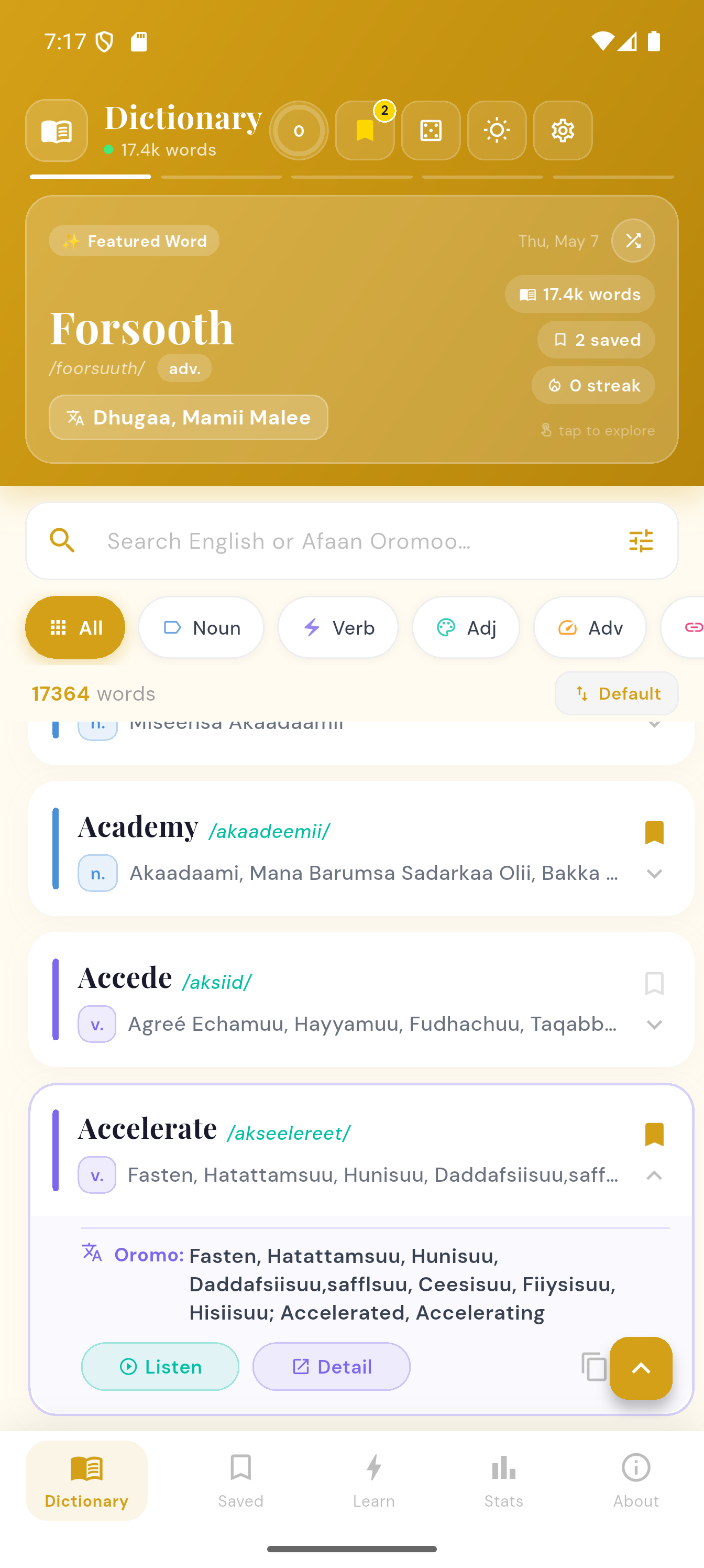
A Flutter application for looking up, reviewing and practising Afaan Oromoo vocabulary. The dictionary ships as an encrypted binary asset bundled with the app, so the whole corpus is available with no network connection and no account. Search runs in either direction between English and Afaan Oromoo, with part-of-speech filters, several sort orders, an A–Z sidebar for alphabetical browsing, and recent-search suggestions. Word pages carry definitions, translations, pronunciation, grammar metadata and related words, with copy, share and bookmark actions. A learning module adds Word of the Day, flashcards and configurable timed quizzes, and progress — daily goals, streaks, quiz accuracy and recently viewed words — is tracked locally on the device. Appearance, font scaling, daily goal and speech rate are all adjustable, and the project targets Android, iOS, web, Windows, macOS and Linux.
What it does
- Fully offline lookup from an encrypted dictionary asset bundled with the app
- Bidirectional English ↔ Afaan Oromoo search with part-of-speech filters and sorting
- Word pages with pronunciation, grammar metadata, related words, copy, share and bookmarks
- Learning module with Word of the Day, flashcards and configurable timed quizzes
- Local progress tracking for daily goals, streaks and quiz accuracy
- Light and dark appearance, font scaling and speech-rate control
- Android, iOS, web, Windows, macOS and Linux targets
Interface
Captures from the project's own repository.
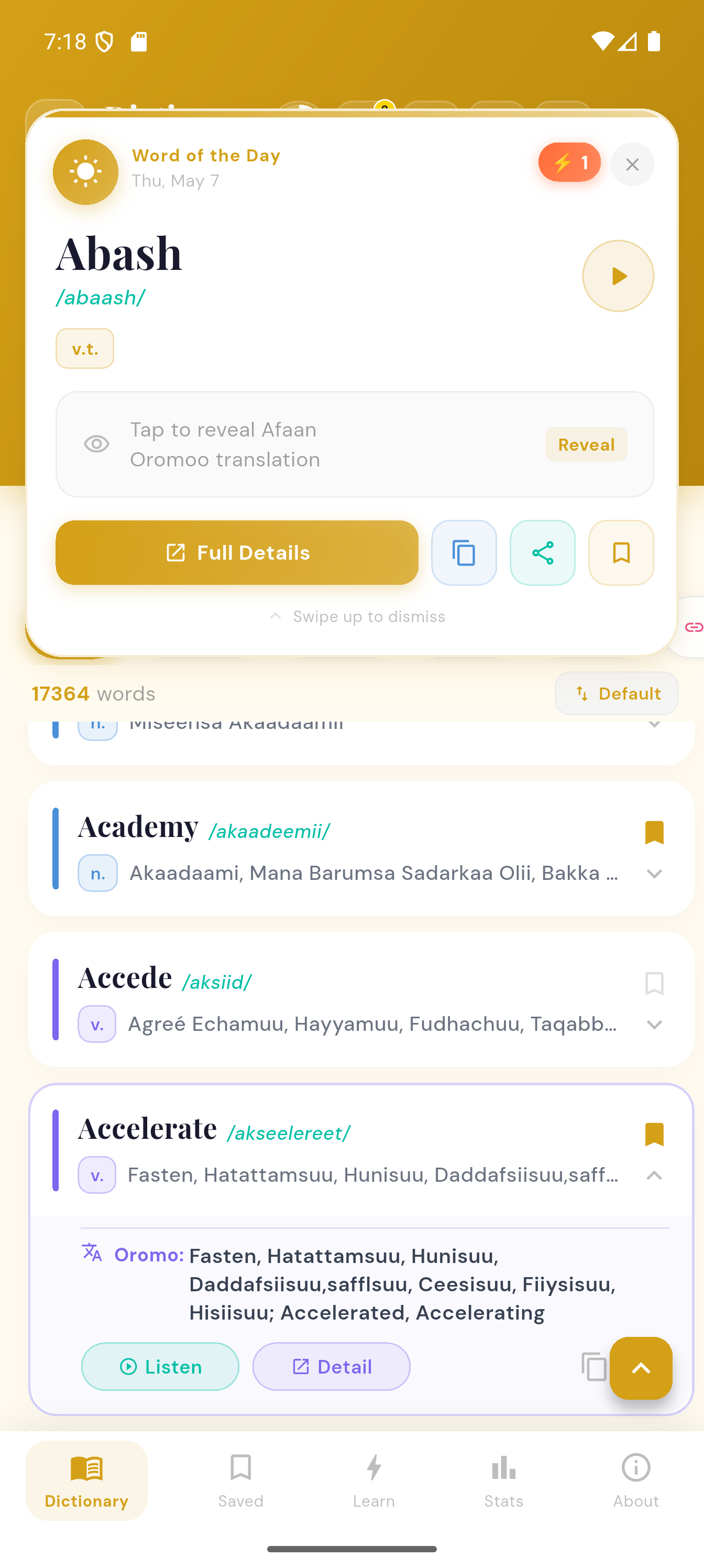
Word detail 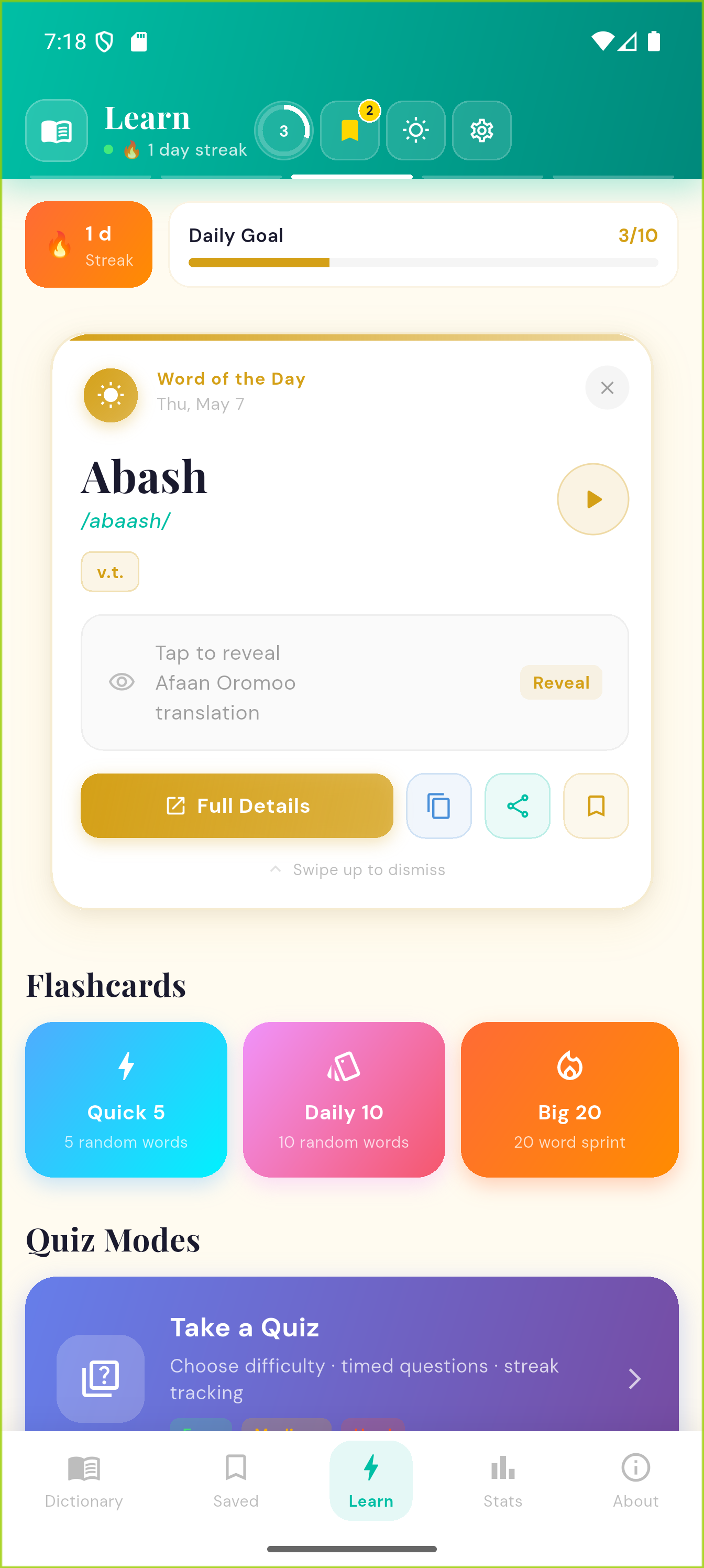
Learning module 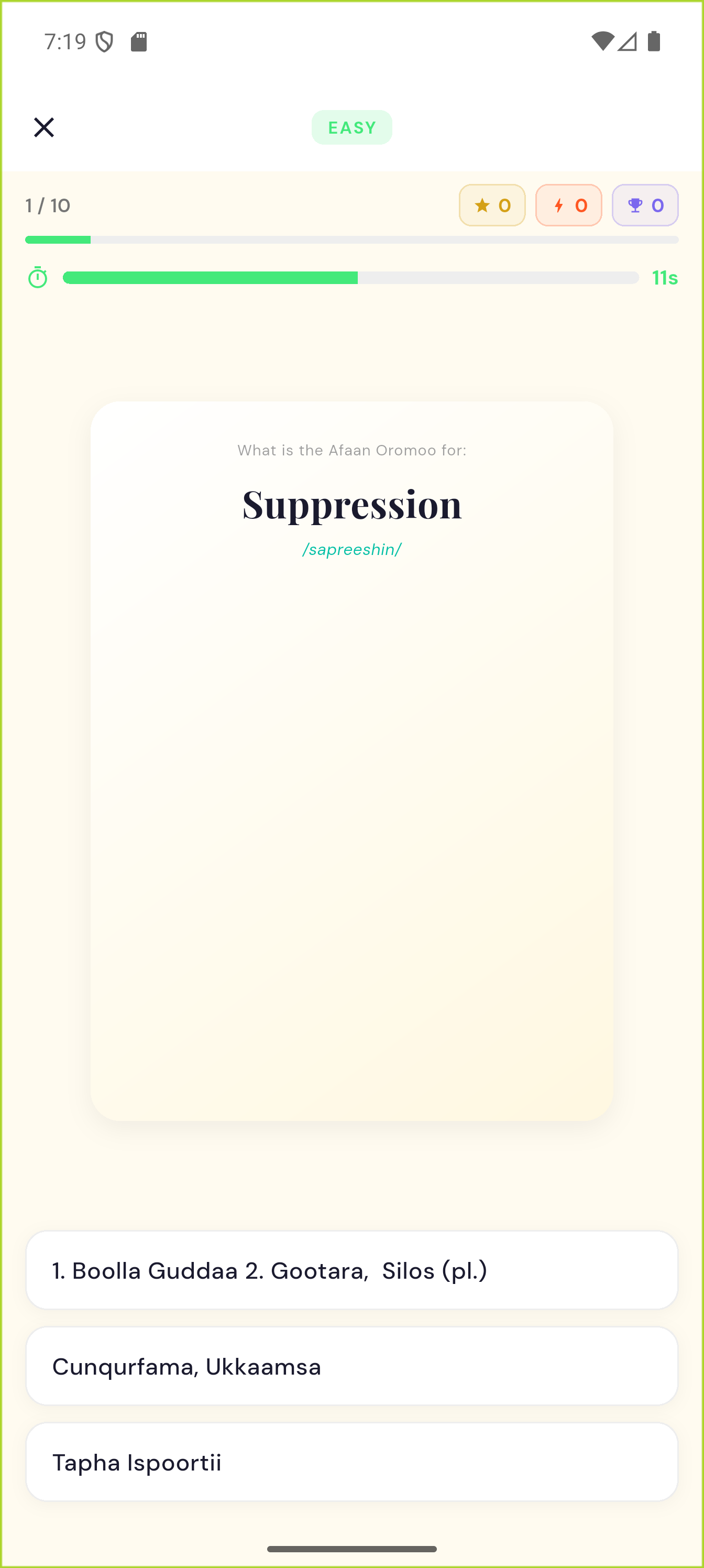
Progress and saved words 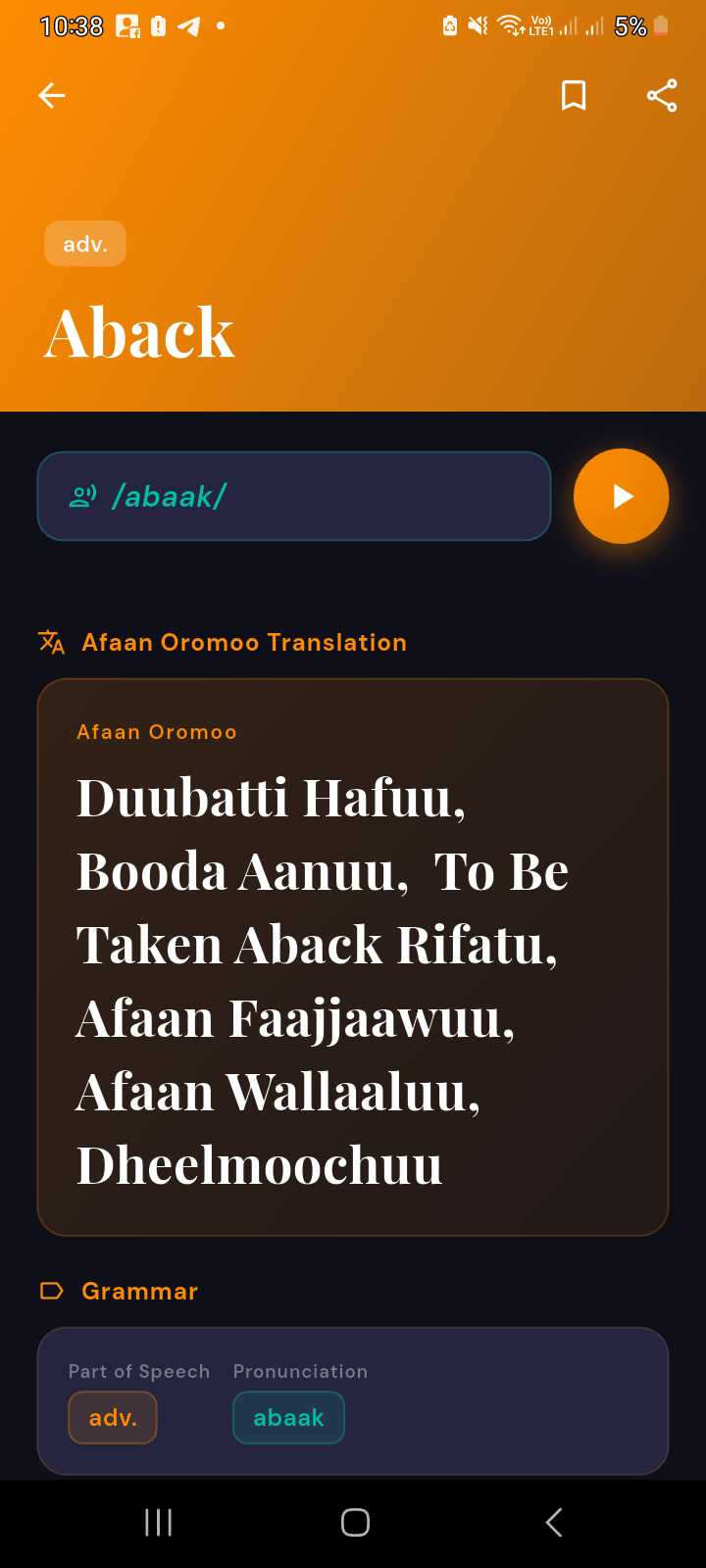
Settings 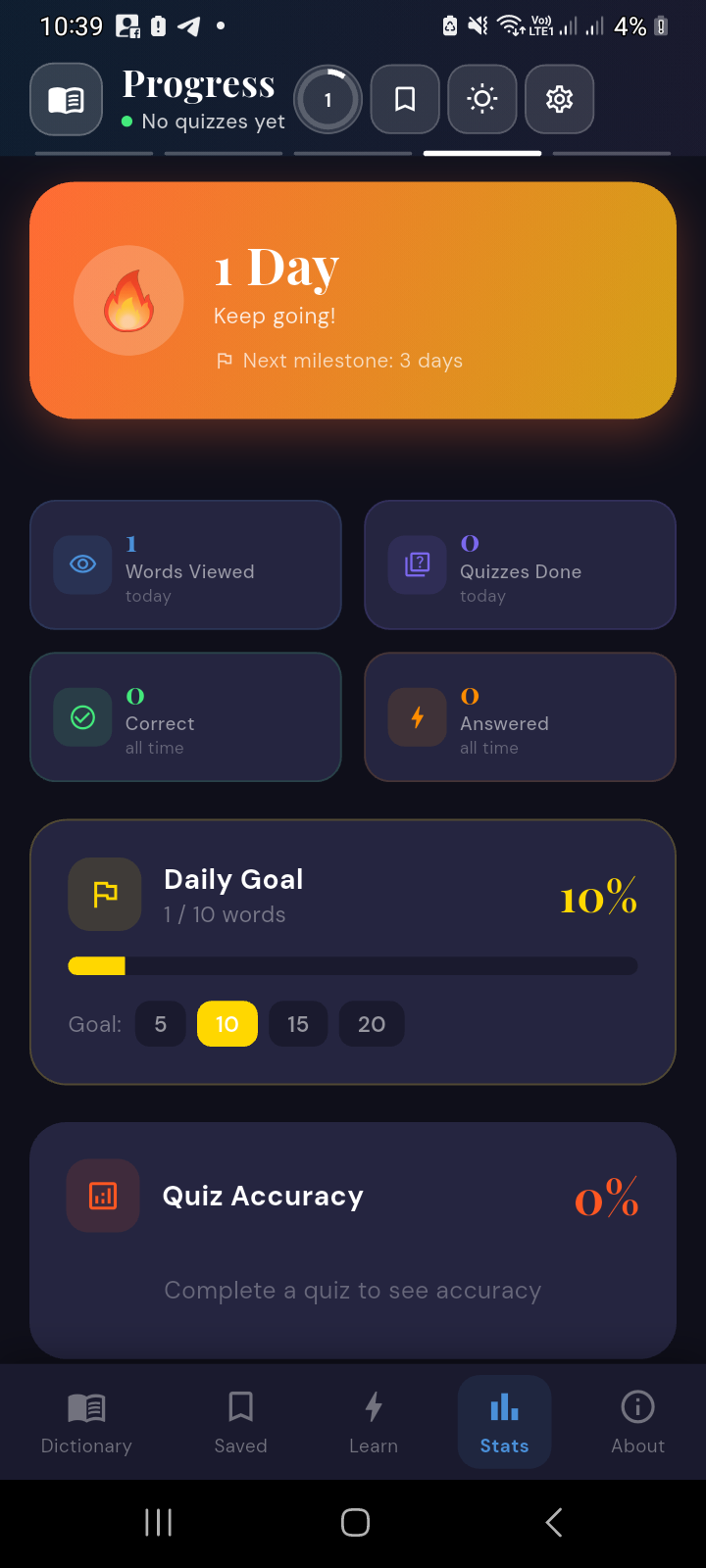
Dark theme
Want the detail behind this? Ask me about it.